Frame-by-frame video review
& compare from your cloud.
For coaches and athletes. Step through a serve, a swing or a start one frame at a time, put two attempts side by side, draw the angle that matters, save it as an image and send the clip to your athlete. One app for iPhone, iPad and Mac.


For iPhone, iPad and Mac: the same app on all three, and Vistune Pro bought on one works on the others. Free to download; Vistune Pro is an optional upgrade. No ads.
Built for coaching
Tennis, golf, swimming, dance, gym, physio — anything where a few frames tell the story.
Frame by frame
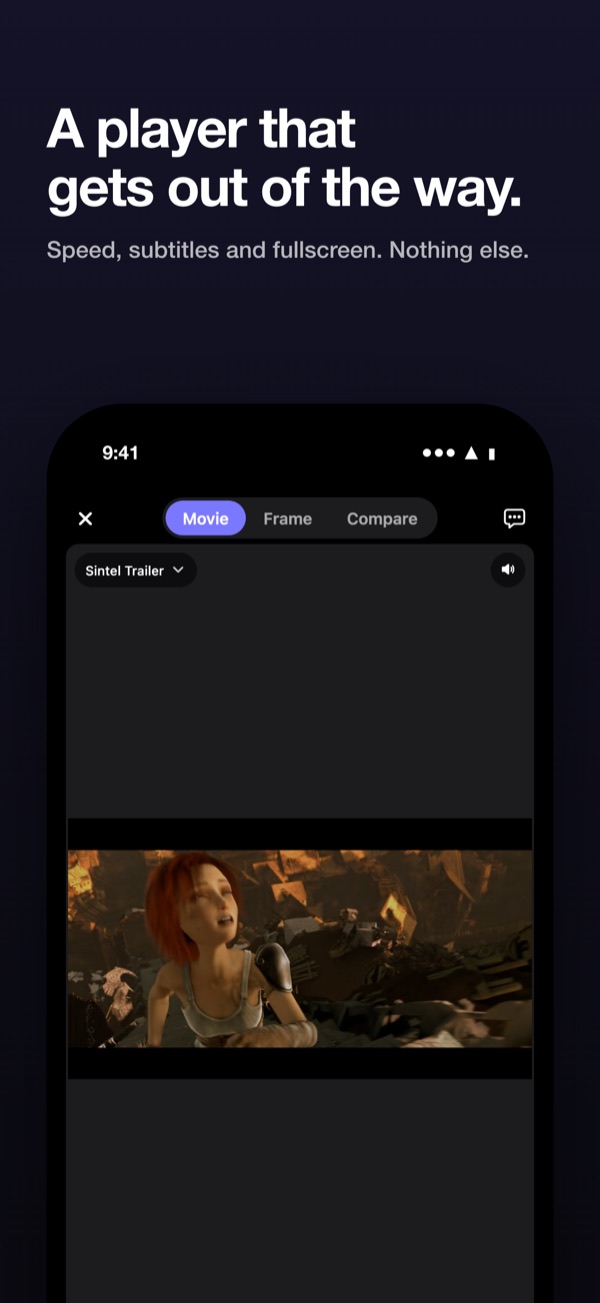
Step forward and back one frame at a time, scrub a fine timeline, slow down to 0.25× and mark in and out points.
Compare side by side
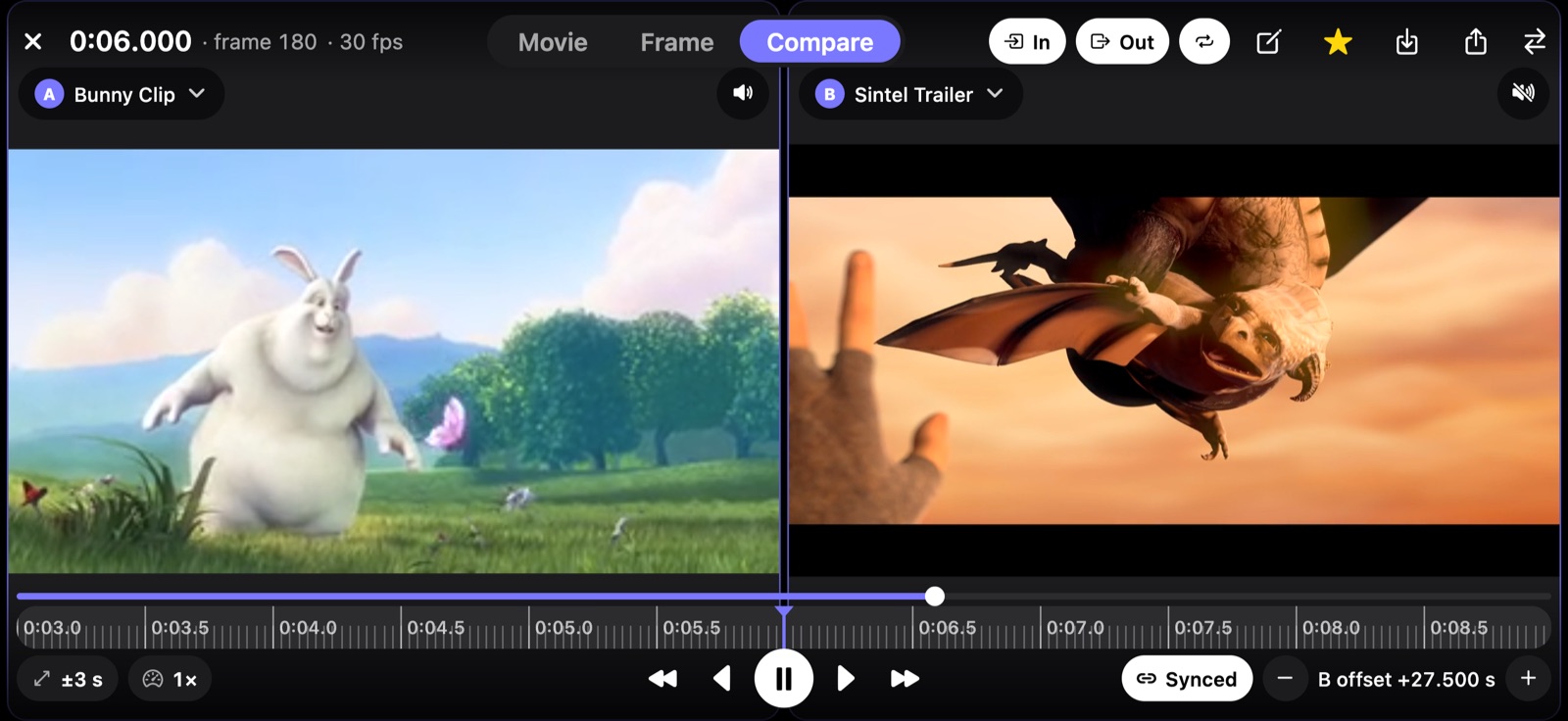
Two attempts next to each other, lined up at the moment that matters and locked together while they play and step.
Draw on the frame
Lines, angles with a live degree readout, circles, arrows and freehand — measure a knee bend or a club shaft.
Share with your athlete
Export the clip with your drawings burned in and a note, side by side for comparisons, and send it through the share sheet. Made on your device; nothing goes through us.
Save the frame as an image
Keep what is on screen as a picture in Photos: one video or both side by side, with your lines and angles on it. Ready to send, print or put in a training diary.
Straight from your cloud
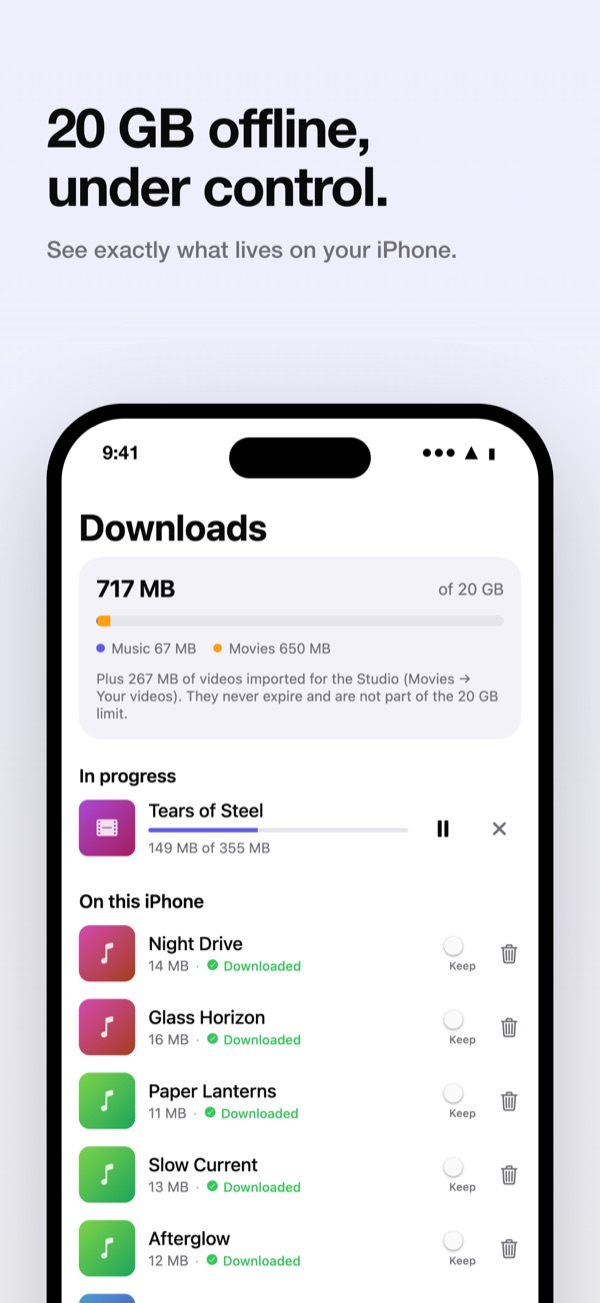
Open footage from your drive, Photos or Files, no importing first. Offline copies really play without a connection, inside a storage limit that starts at 20 GB and that you can change at any time.
Organised and in sync
Save moments as favorites in folders per athlete or drill, and sync favorites, history and settings through your own OneDrive or Google Drive app folder, on every iPhone, iPad and Mac you use.
Supported formats: MP4, MOV and M4V (H.264/HEVC; AAC, AC-3/E-AC-3 audio), in every Studio mode. Other formats, such as MKV, are not supported yet.
And your music too
Vistune plays the songs in your drive, on the same three devices.
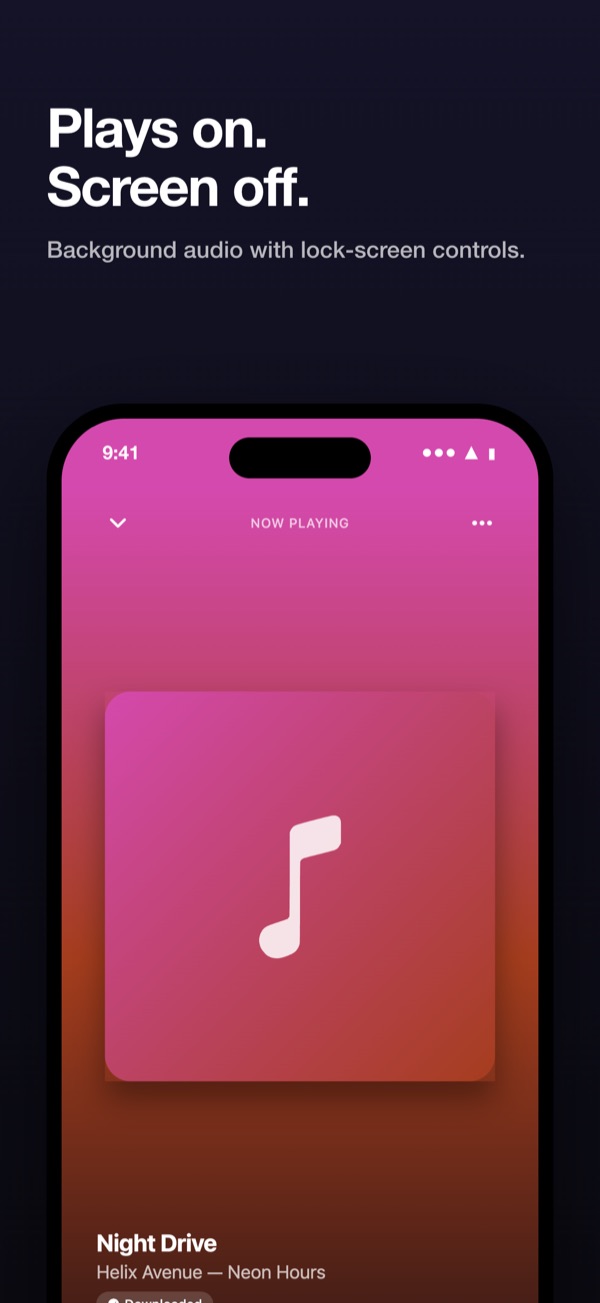
Plays in the background
Queue, shuffle, repeat and playlists, with lock-screen controls on iPhone and a player bar and menu-bar icon on the Mac.
See the song
The seek bar is the song's own wave: you see the loud and quiet parts and click or drag to the one you want.
Sound modes
Bass, Room, Hall, Disco, Vocal, Bright and Night change how a song sounds while it plays. The file is never changed.
What is that song?
Shazam names the song playing around you and Vistune keeps a list of what it heard.
Pricing
Free
€0
- Play cloud, demo and imported video and music
- Frame-by-frame Studio with one video
- Up to 10 favorites
- Offline downloads
Vistune Pro
€3.99/month
or €29.99/year with a 7-day free trial
- Everything in Free
- A/B compare, side by side and synced
- Drawing: lines, angles, circles, arrows, freehand
- Save annotated frames as images, also both videos side by side
- Share annotated clips with notes
- Unlimited favorites and folders
- Sync favorites, history and settings via your own drive, on every iPhone, iPad and Mac you use
Prices in euros; US prices are $3.99 and $29.99, and other countries see the local App Store price. Subscriptions renew automatically until cancelled in your Apple Account settings; one subscription covers iPhone, iPad and Mac; Family Sharing is supported; restore a purchase in Settings → Vistune Pro. Playback, offline downloads, cleanup and your own data are never behind the paywall.
Your files stay yours
Vistune has no servers and no analytics. It reads your media straight from your own drive, never deletes, moves or edits your files, and cleanup only ever touches Vistune's own offline copies. With sync on, it writes only to its own app folder. Purchases are handled by Apple and checked on your device; shared clips go only where you send them. Sign-in tokens live in the Keychain. Details are in the privacy policy.
OneDrive
Vistune can play media from OneDrive. You sign in with your Microsoft account in the system browser, and Vistune
asks for read-only access to your files (Files.Read) to list the folders you pick and stream or
download the videos and songs in them. Only if you turn on sync does it also ask for access to its own app folder
(Files.ReadWrite.AppFolder, the folder Apps/Vistune), where it keeps your favorites, history,
playlists and settings as a few small files. It never deletes, moves, renames or edits anything else in your
OneDrive.
Your account's name and e-mail are read only to label the connected account and stay on your device. Files go straight from Microsoft to your device; nothing passes through the developer.
Google Drive
Vistune can play media from Google Drive. It asks for read-only access to your Drive
(drive.readonly) to list your folders and stream or download the files you choose, and, only if you turn
on sync, for access to its own hidden app-data folder (drive.appdata) to keep your favorites, history,
playlists and settings. Google user data is used only for these features inside the app on your device; it is never
sent to the developer, sold, or used for advertising.
Vistune's use and transfer of information received from Google APIs will adhere to the Google API Services User Data Policy, including the Limited Use requirements.
Google is still reviewing Vistune's Drive access, so connecting Google Drive shows a "Google hasn't verified this app" screen for now: tap Advanced → Go to Vistune.